
Small canvas.Big worlds.
A focused pixel-art studio with exact drawing tools, palette-led colour, layers, animation frames, onion skinning, and crisp local export.
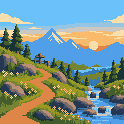
Animate. Tag. Play.
Create frame-by-frame animations, group sequences with frame tags, and fine-tune their timing. Use onion skinning to compare poses, preview playback, and export animations or sprite sheets.
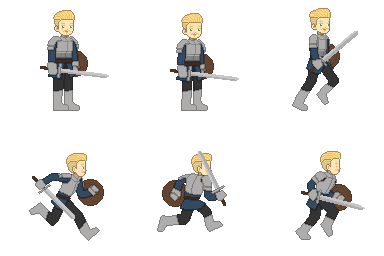
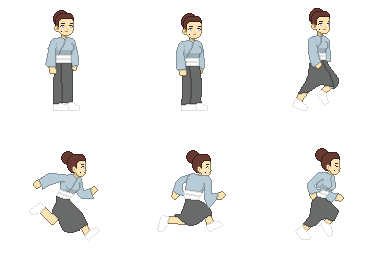
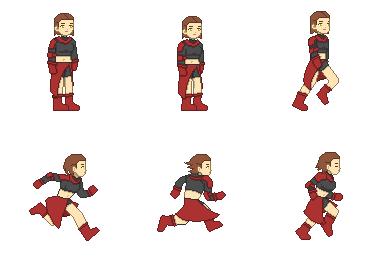

Free Resources
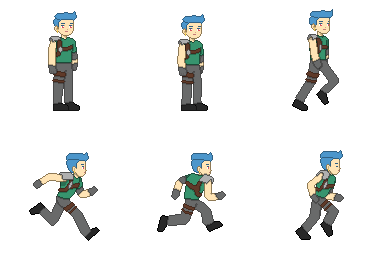
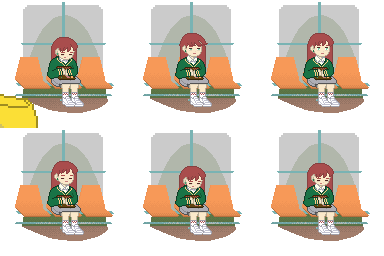
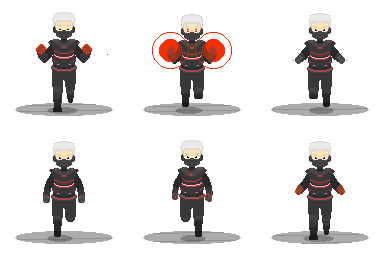
A free animated character template with 28 frames. Open it in Pixelmori to edit its poses, frame tags, and timing, or download the project for later.



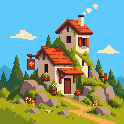
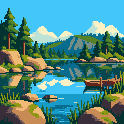
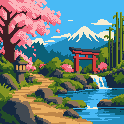
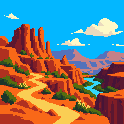
Small pixels. Whole worlds.
From mountain paths to quiet lakes, make room for every detail.
Free Tools
Make art or find its colours with free tools that work in your browser.
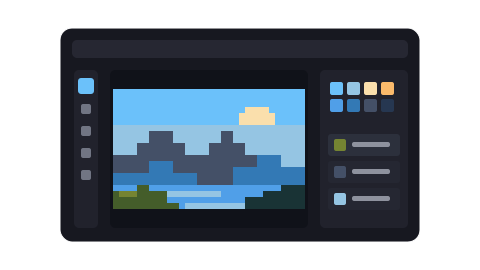
Pixelmori editor
Draw pixel art, build layers, animate frames and export your next sprite, all in your browser.
Open editor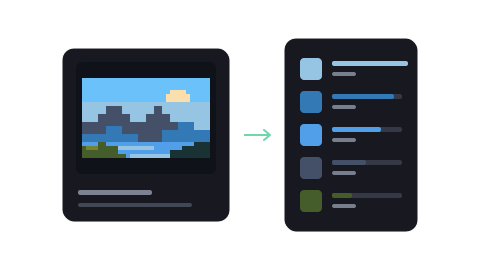
Image palette extractor
Count colours, explore swatches, and download a palette. Free, local, and ready without opening the editor.
Extract an image palette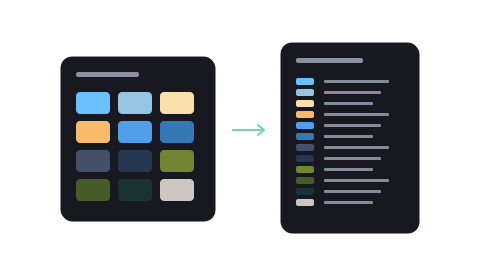
Image palette converter
Open a palette, preview its colours, and convert it to another supported format.
Convert a paletteYour next sprite starts here.
Open a clean 32 × 32 canvas and place the first pixel.